“Recruitment module for CRM SYSTEM” Documentation by “Applify Technologies”
“Recruitment module for CRM SYSTEM”
Created: 16/06/2023
By: Applify Technologies
Email: crm@applify.com.my
Table of Contents
How to use Recruitment module - top
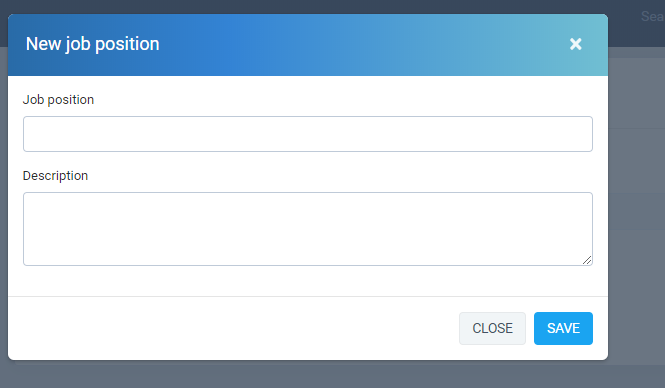
- First you go to create job positions and job descriptions: Recruitment -> Setting -> Job position -> New Job Position
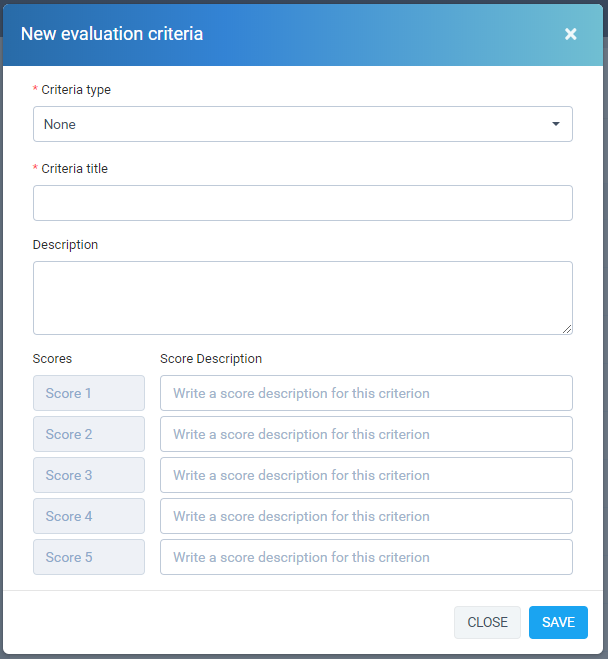
- You create candidate evaluation sets: Recruitment -> Setting -> Evaluation criteria -> New Evaluation Criteria
 List of evaluation criteria: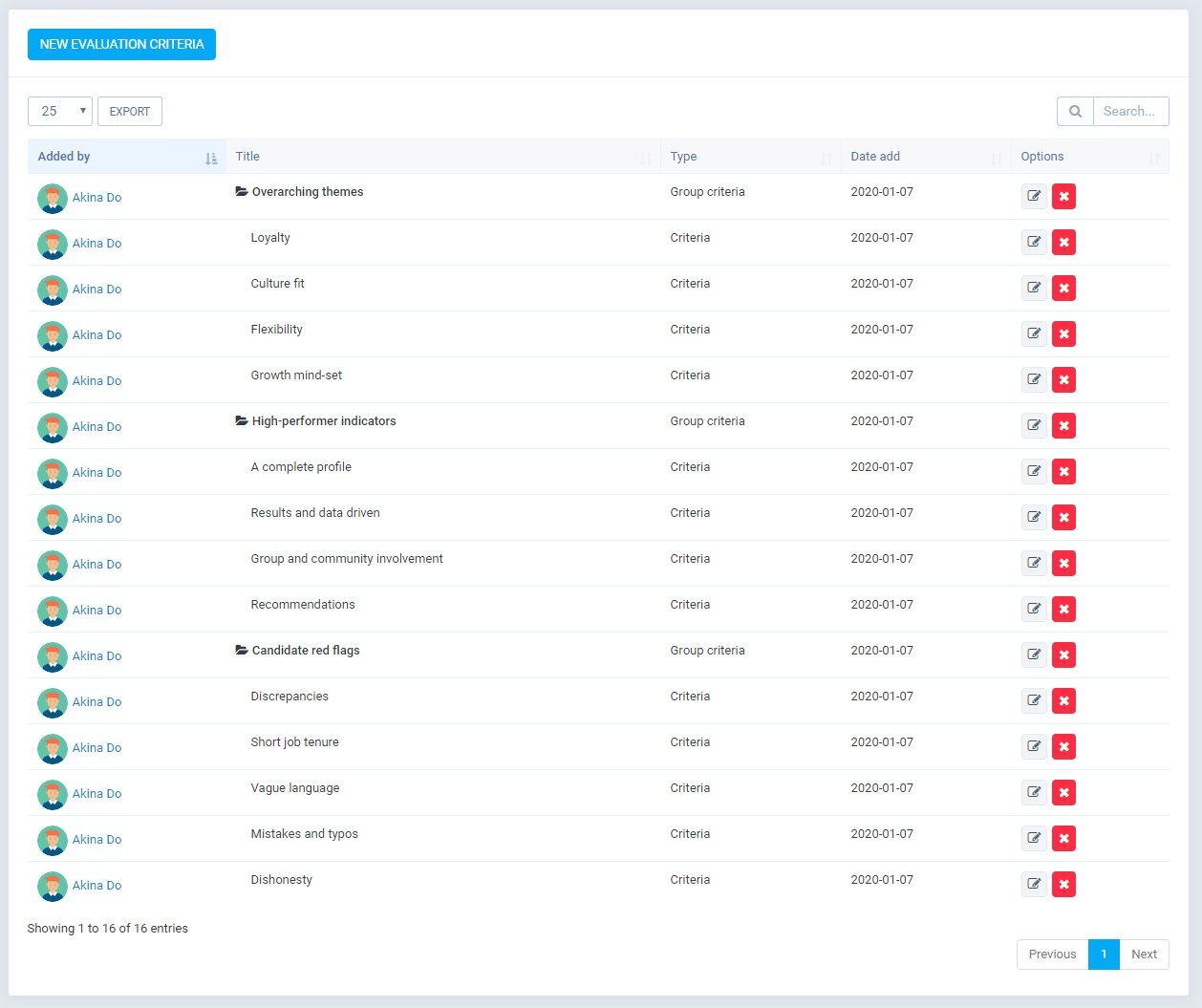
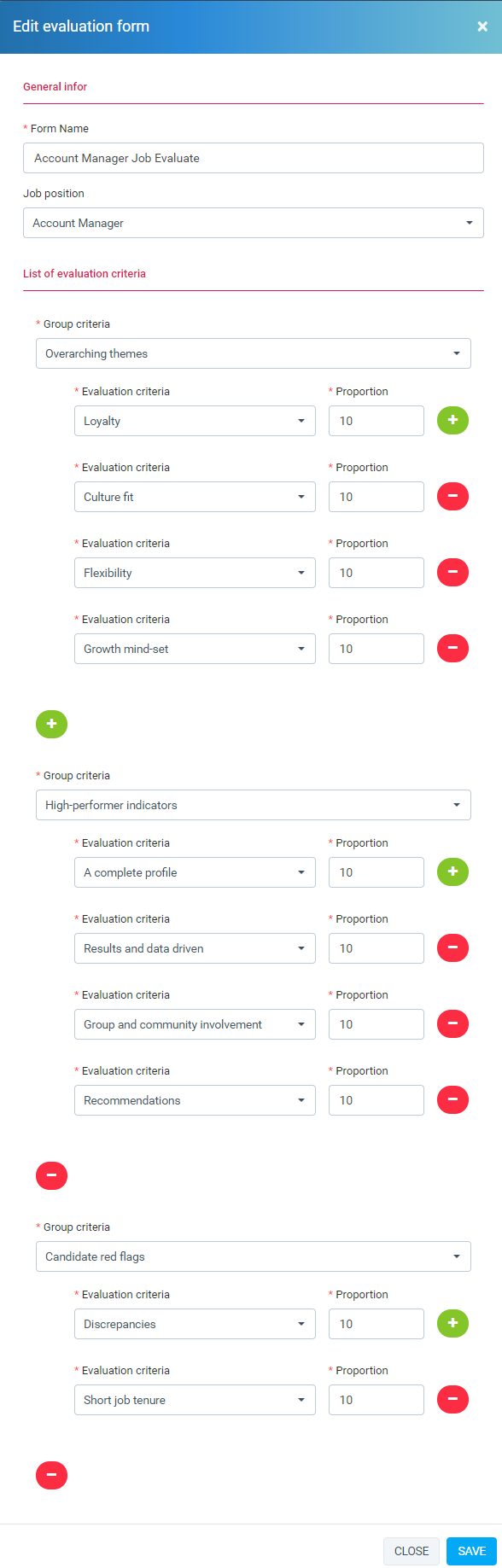
- Create candidate evaluation forms: Recruitment -> Setting -> Evaluation form-> New Evaluation Form
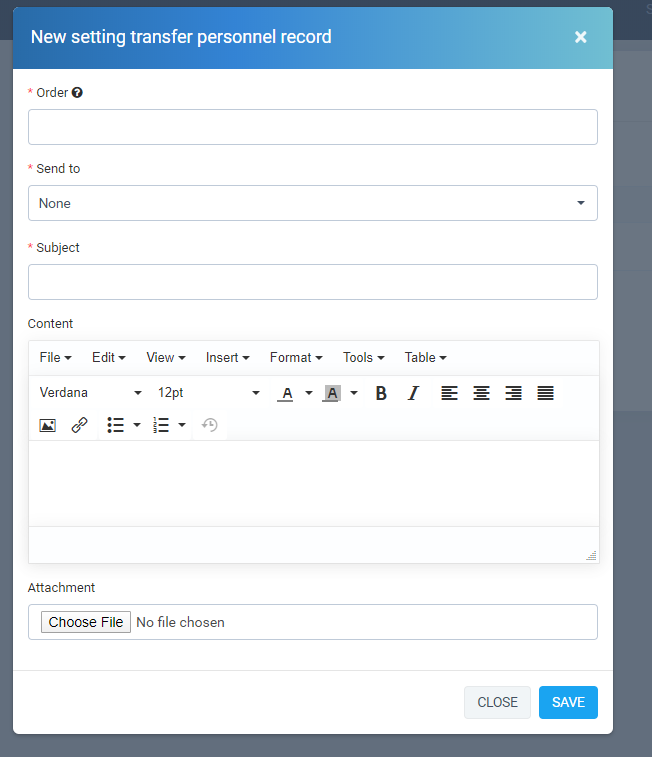
- Create On Boarding Process: Recruitment -> Setting -> On Boarding Process-> New
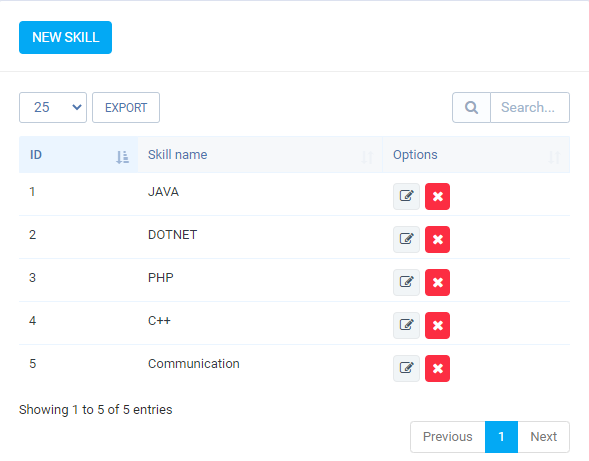
- Create Skills: Recruitment -> Setting -> Skills-> New
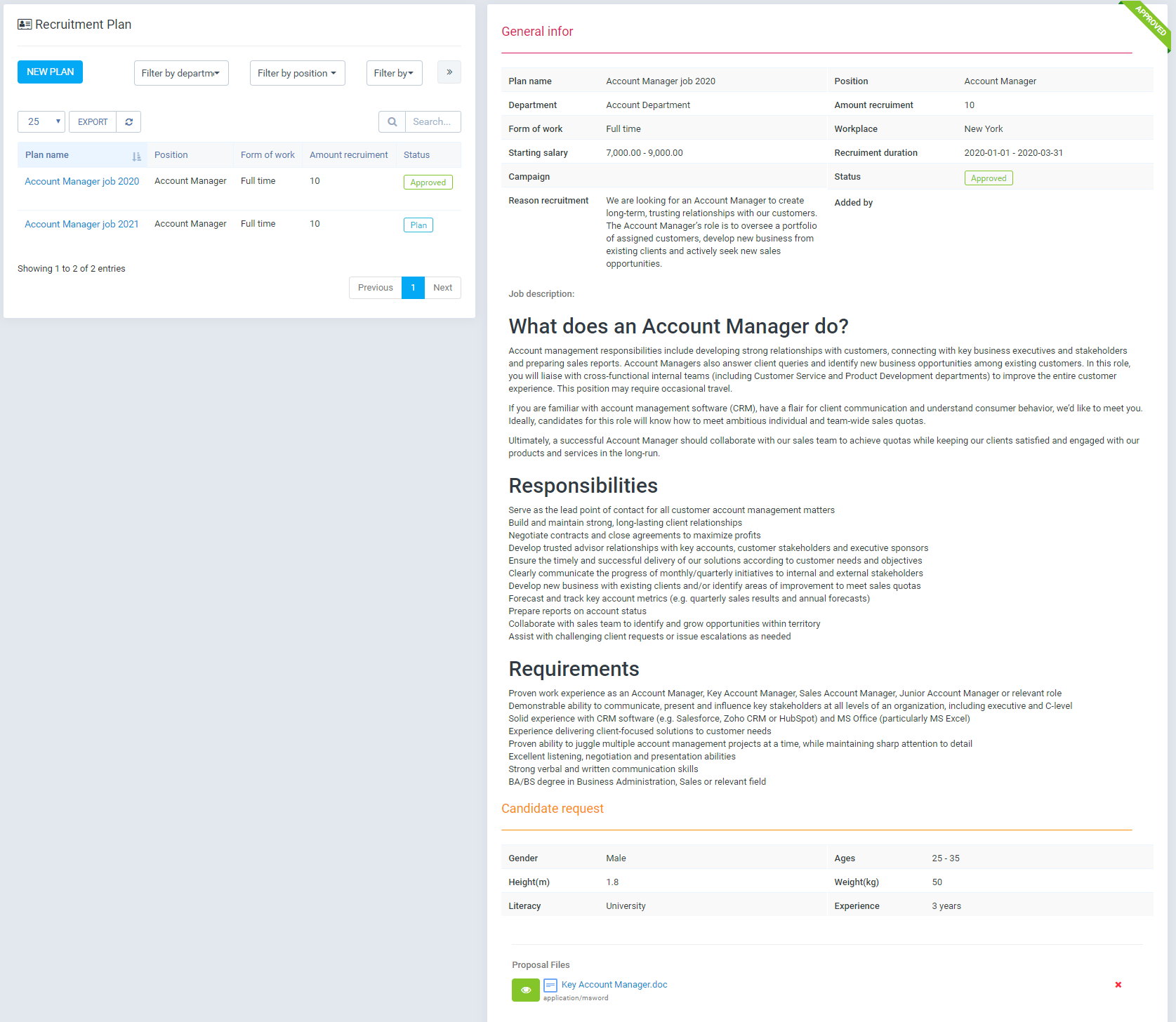
- Create recruiting proposals: Recruitment -> Plan -> New Plan
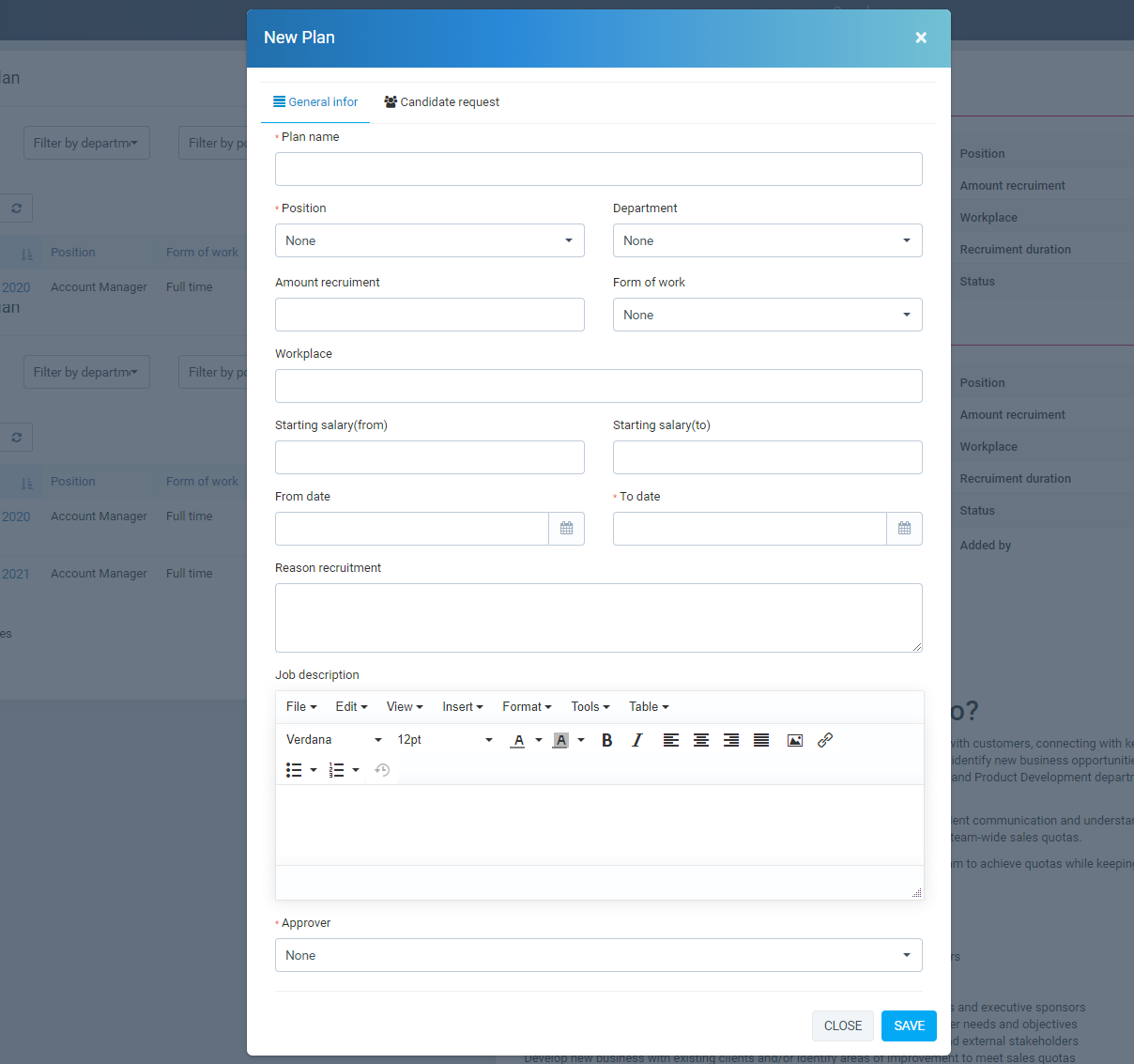
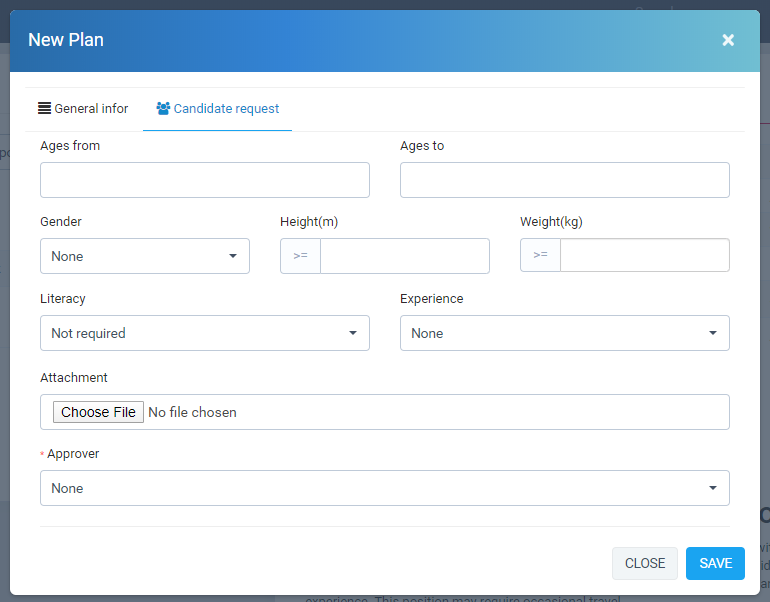 The list of recruitment proposal requirements has filter by department, position and status. See details for information on the right.
  Support to directly view attachments.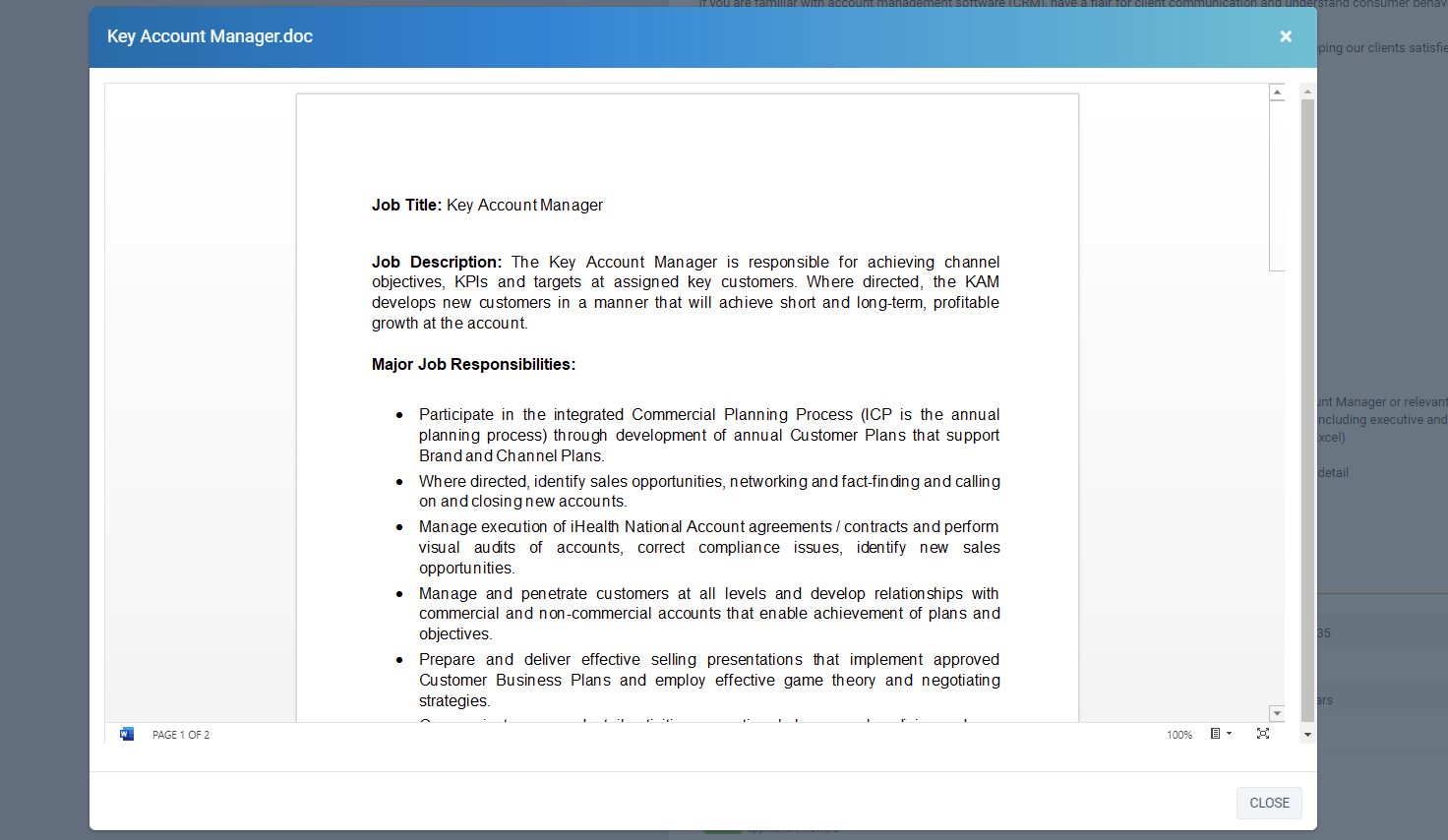
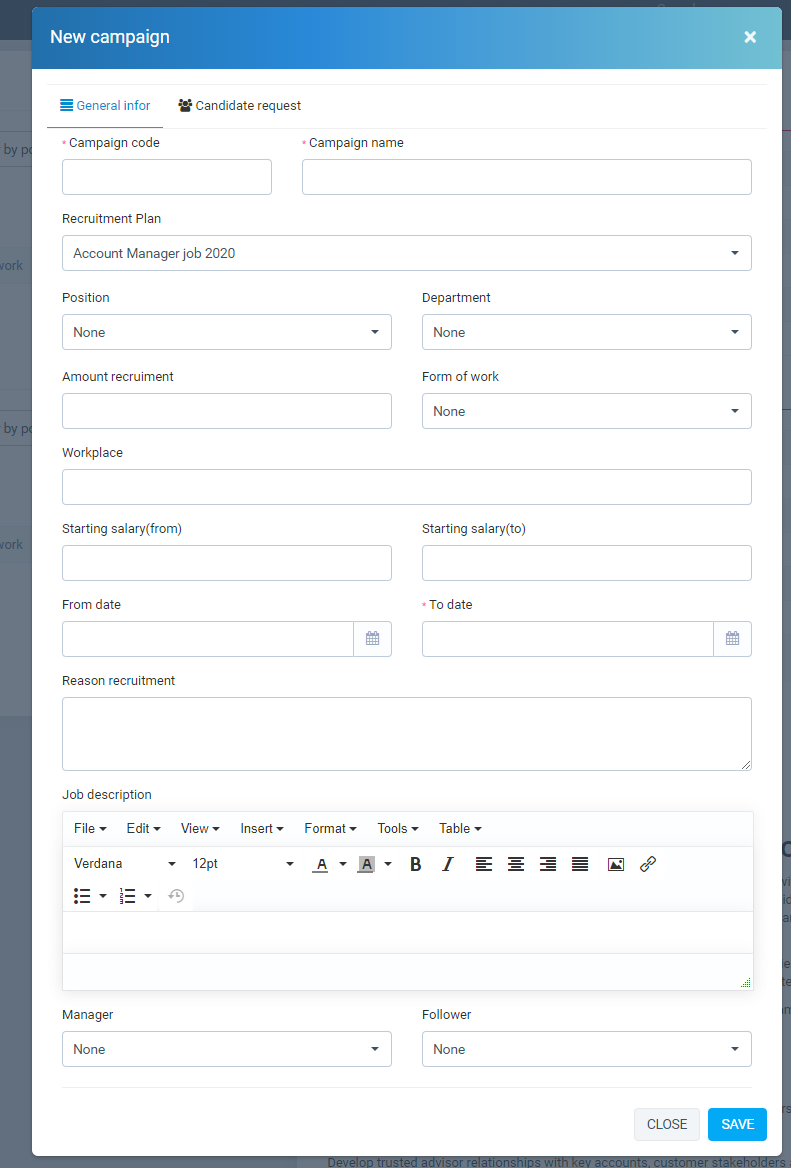
- Create recruitment campaigns: Recruitment -> Campaign -> New Campaign
 The list of recruitment campaigns has filter by department, position and status. See details for information on the right.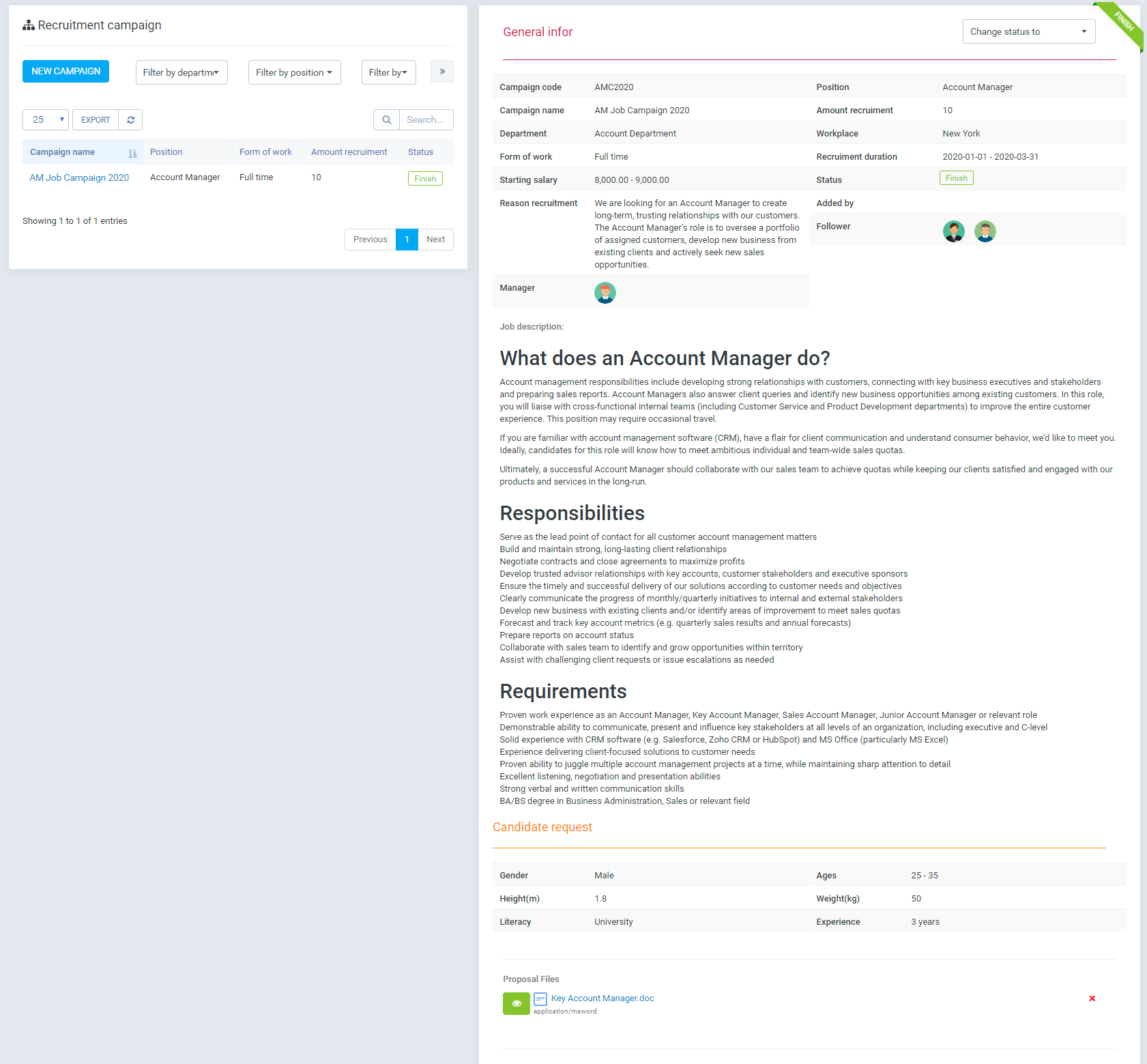
- Create recruitment form: Recruitment -> Recruitment Channel -> New
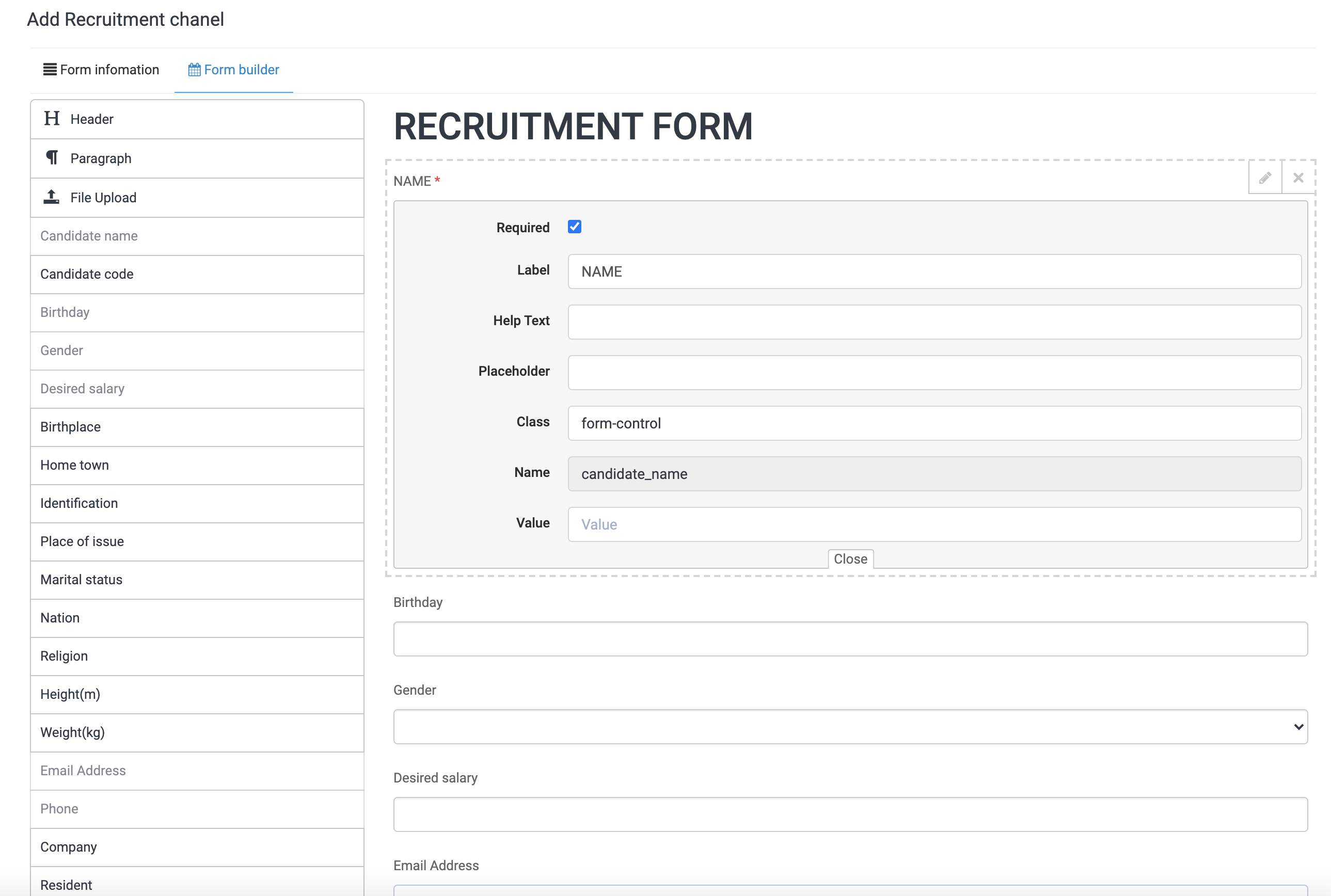
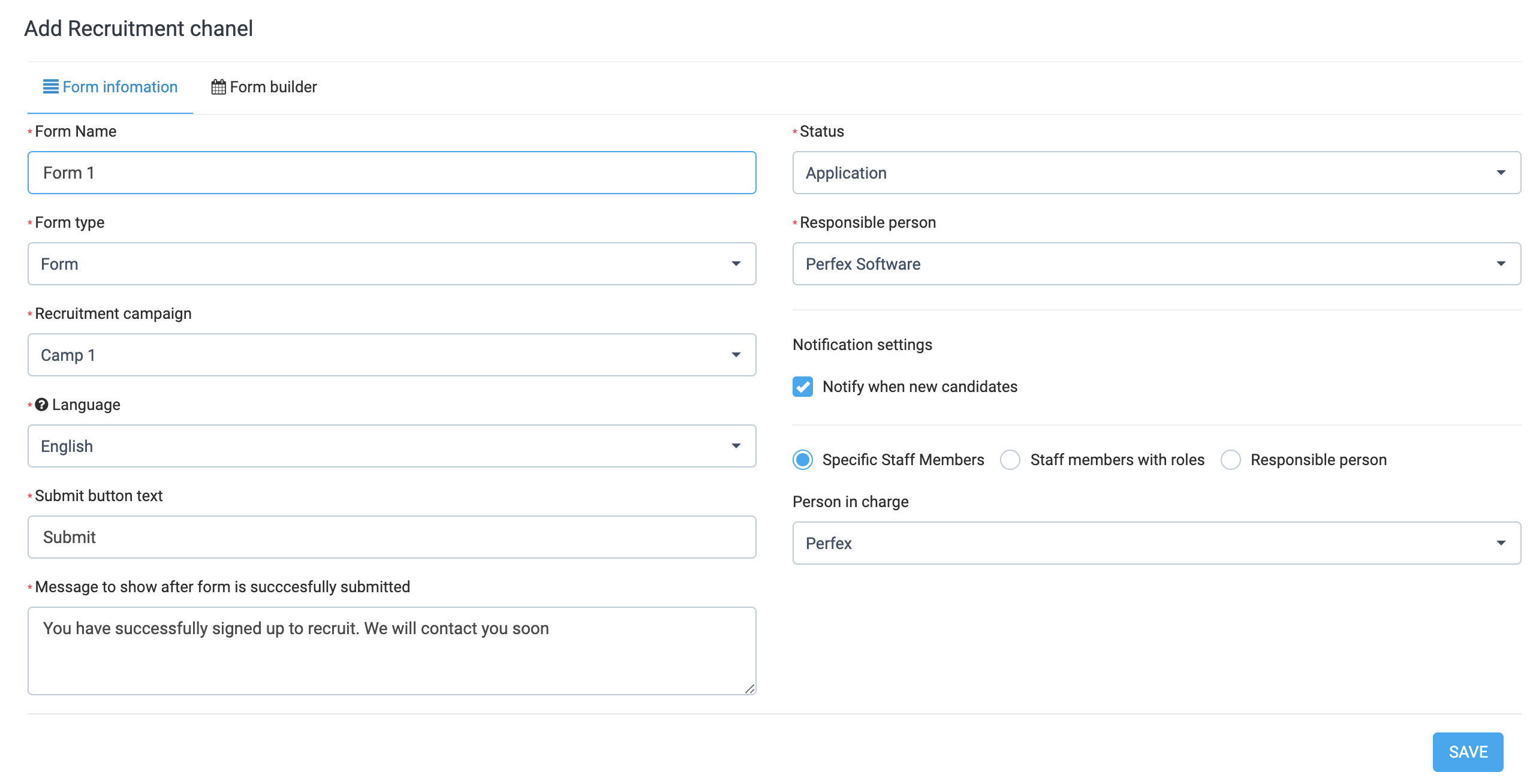 The job creation form generator embedded on the website for candidates to submit online
  Recruitment form detail
 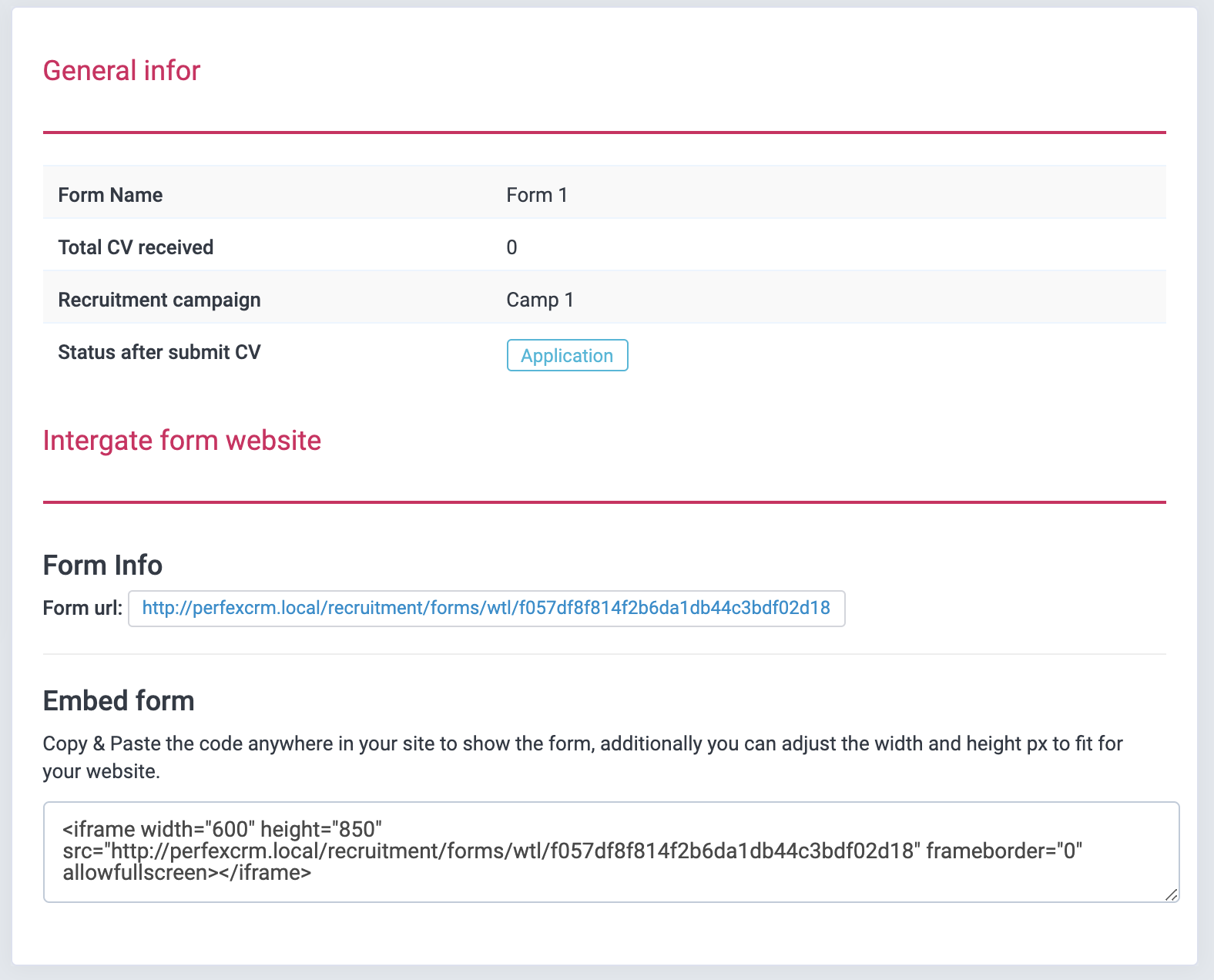 The form is embedded on the website
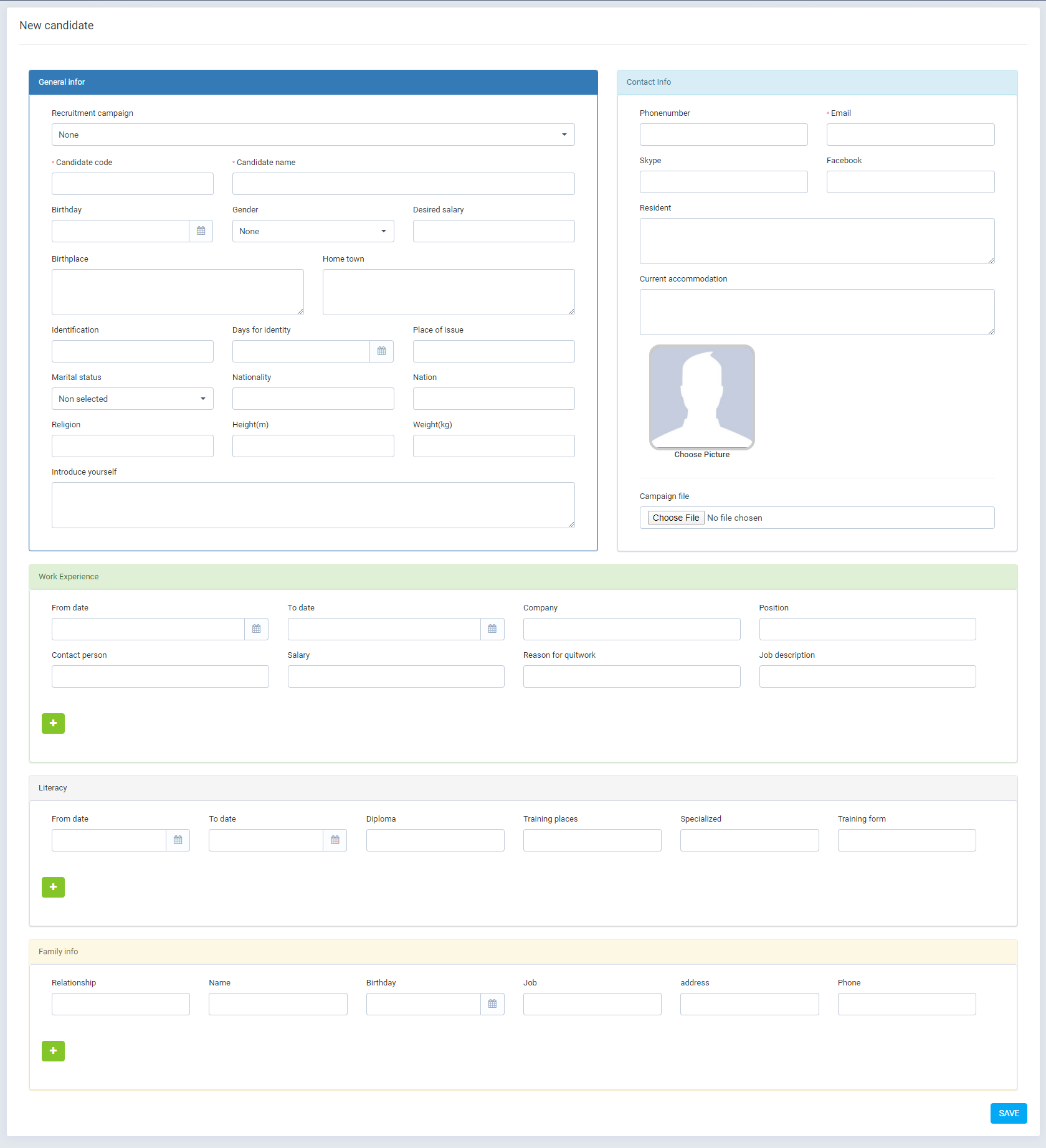
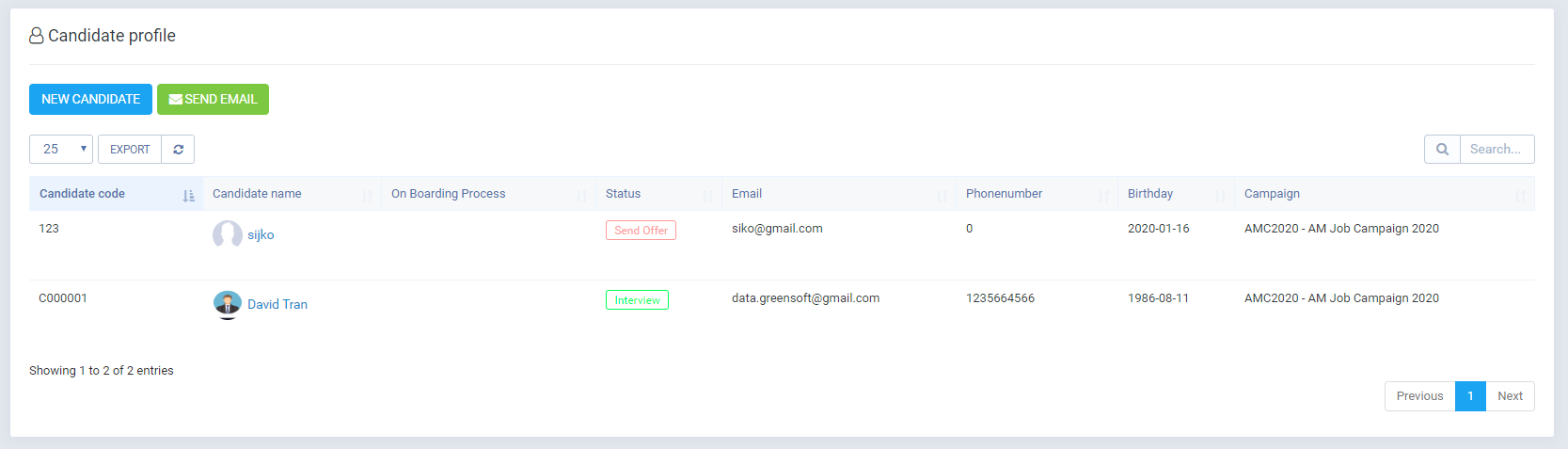
- Create candidate profiles: Recruitment -> Candidate profile -> New Candidate
 The list of candidate profiles.
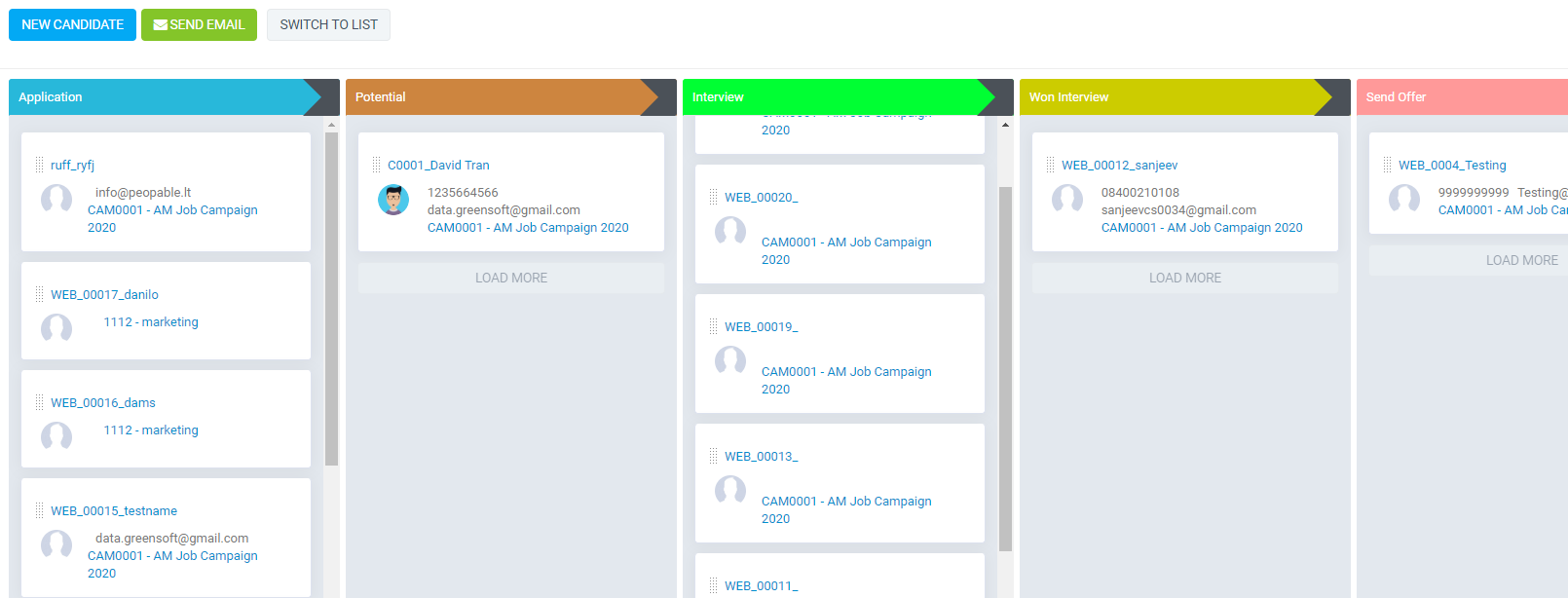
  Candidate displays as Kanban.
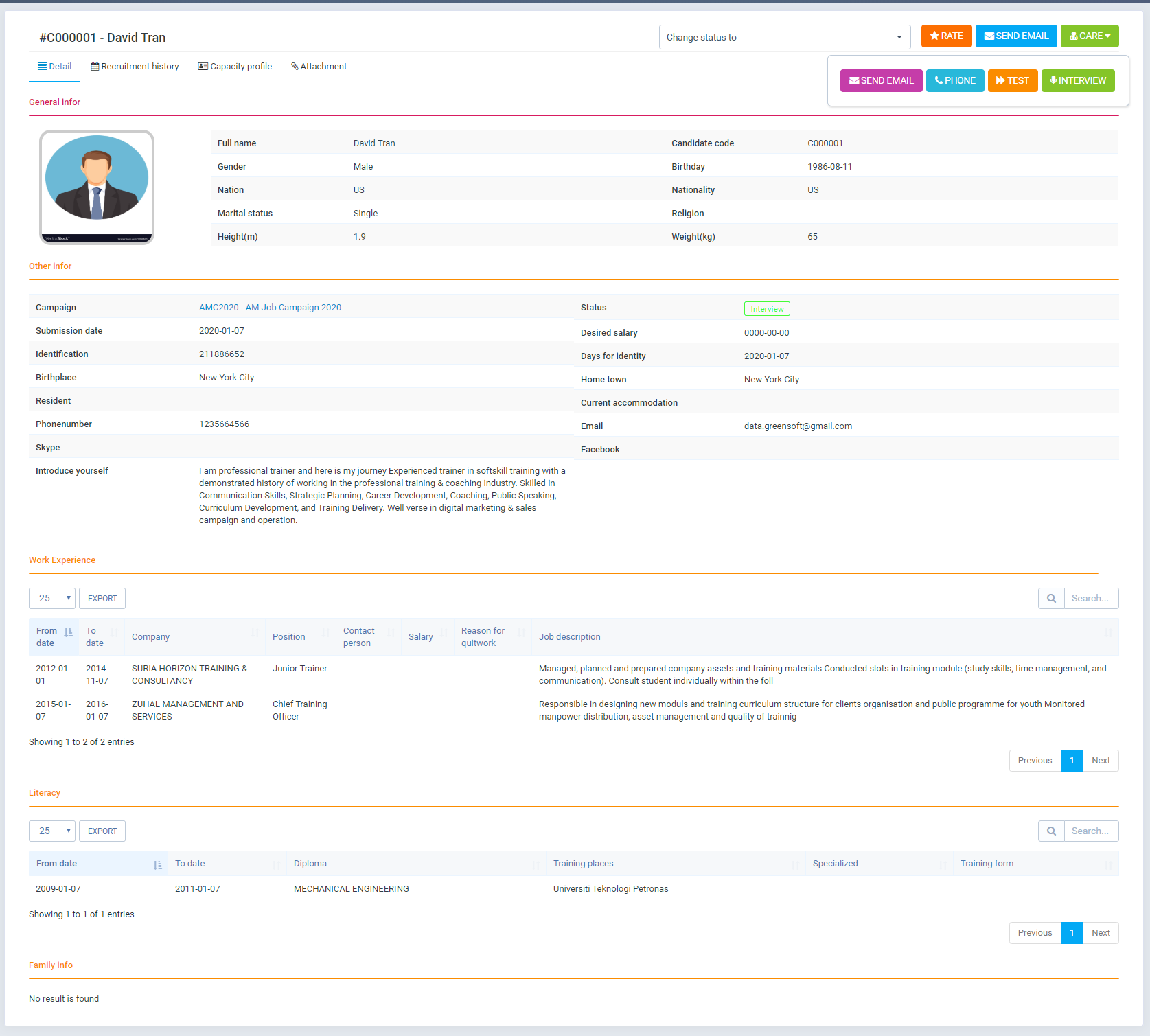
  Detailed candidate profile. You can take care of candidates: exchanging calls, emailing, checking by phone, interviewing by phone. These activities are logged in detail
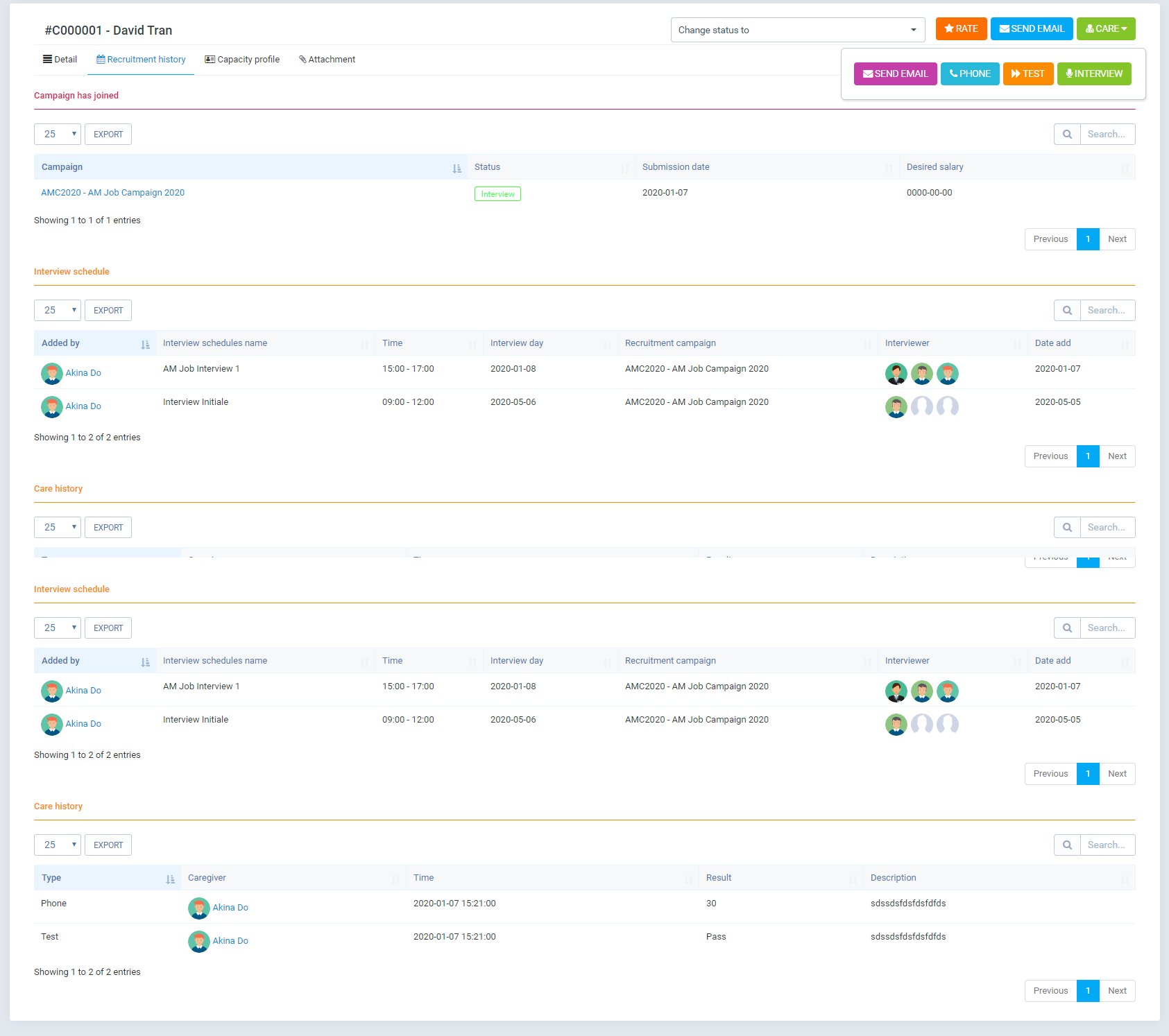
  Candidate history.
  Candidate capacity.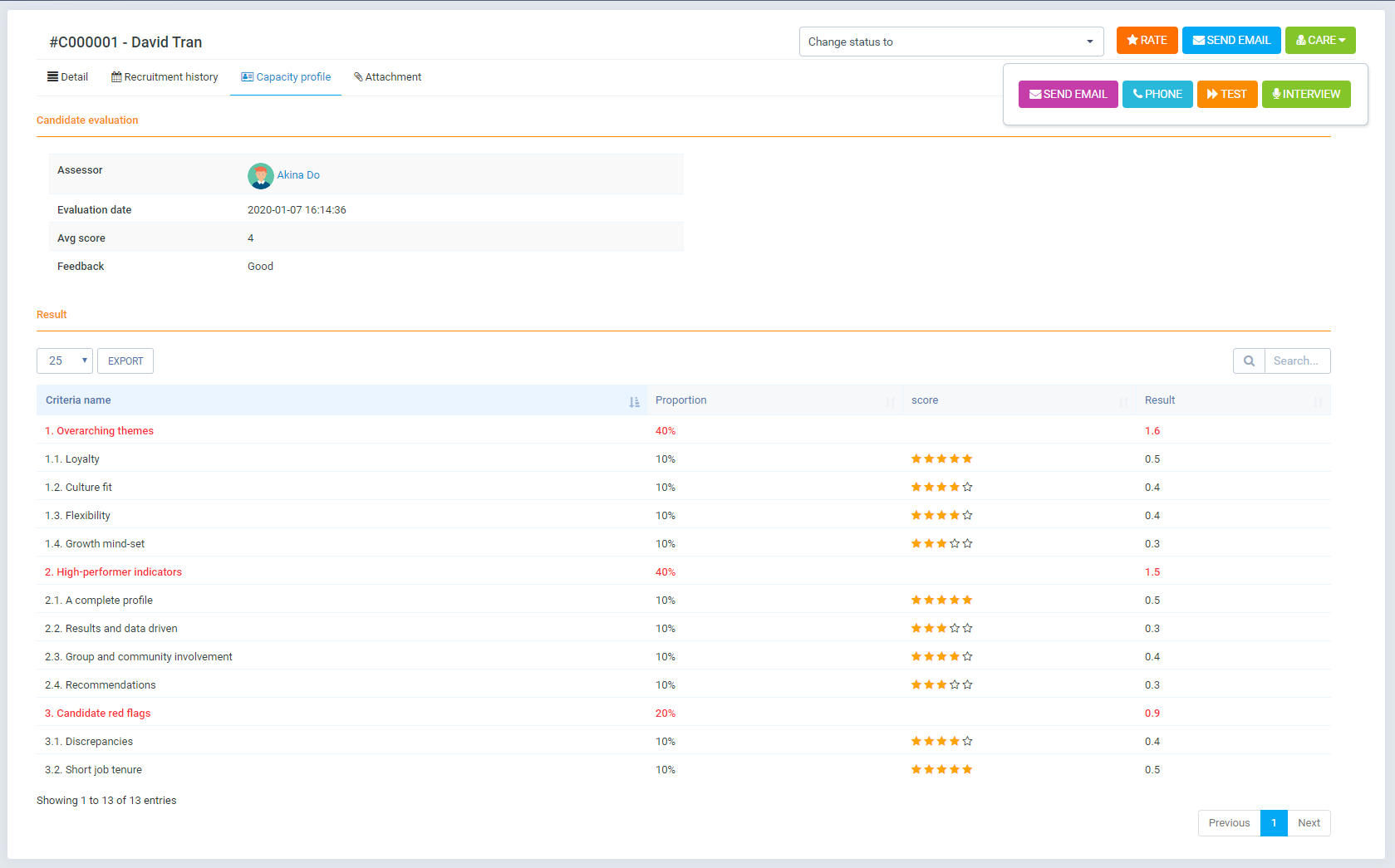
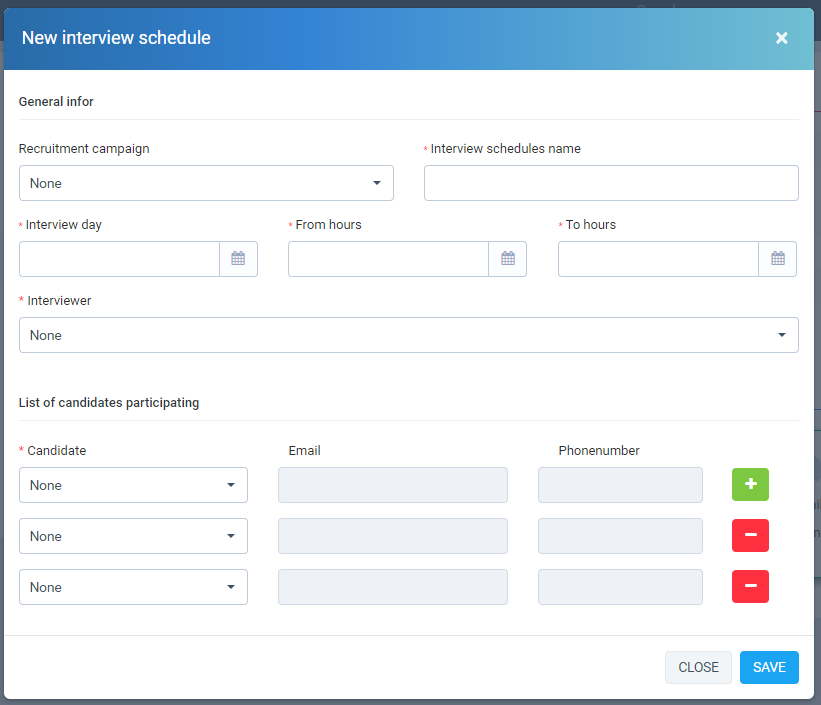
- Create interview schedule: Recruitment -> Interview schedule -> New Interview schedule
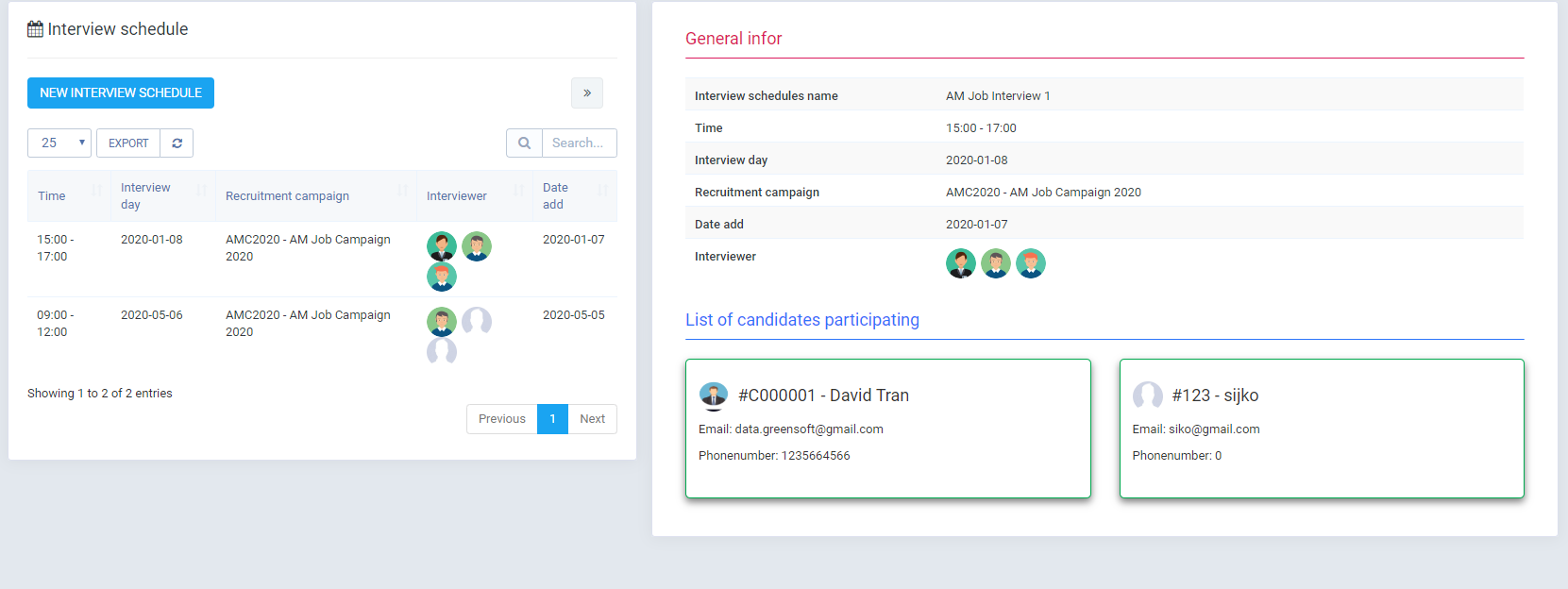
 Detailed interview schedule
  Schedule displays according to Calendar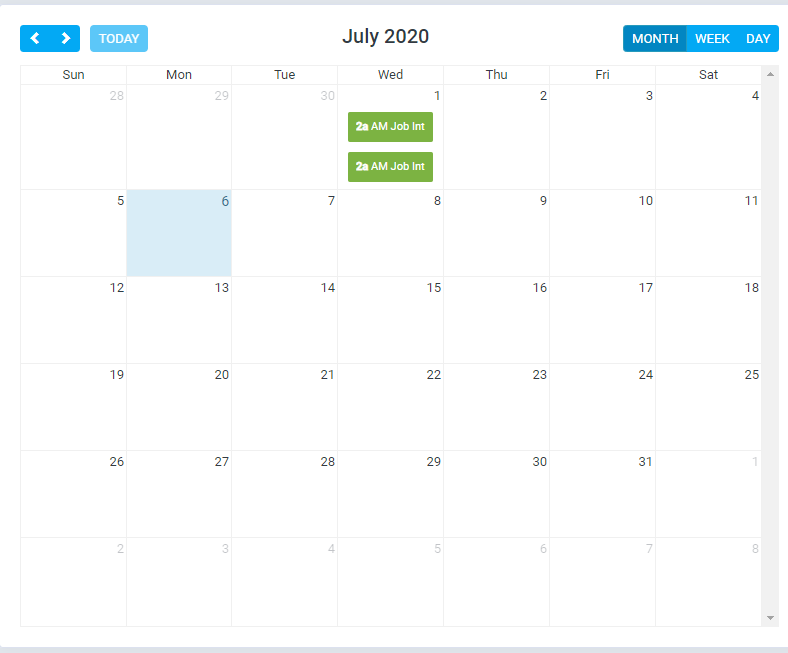
- Evaluation of candidates: go to the candidate profile and click on Rating
- View recruitment statistics: Recruitment -> Dashboard
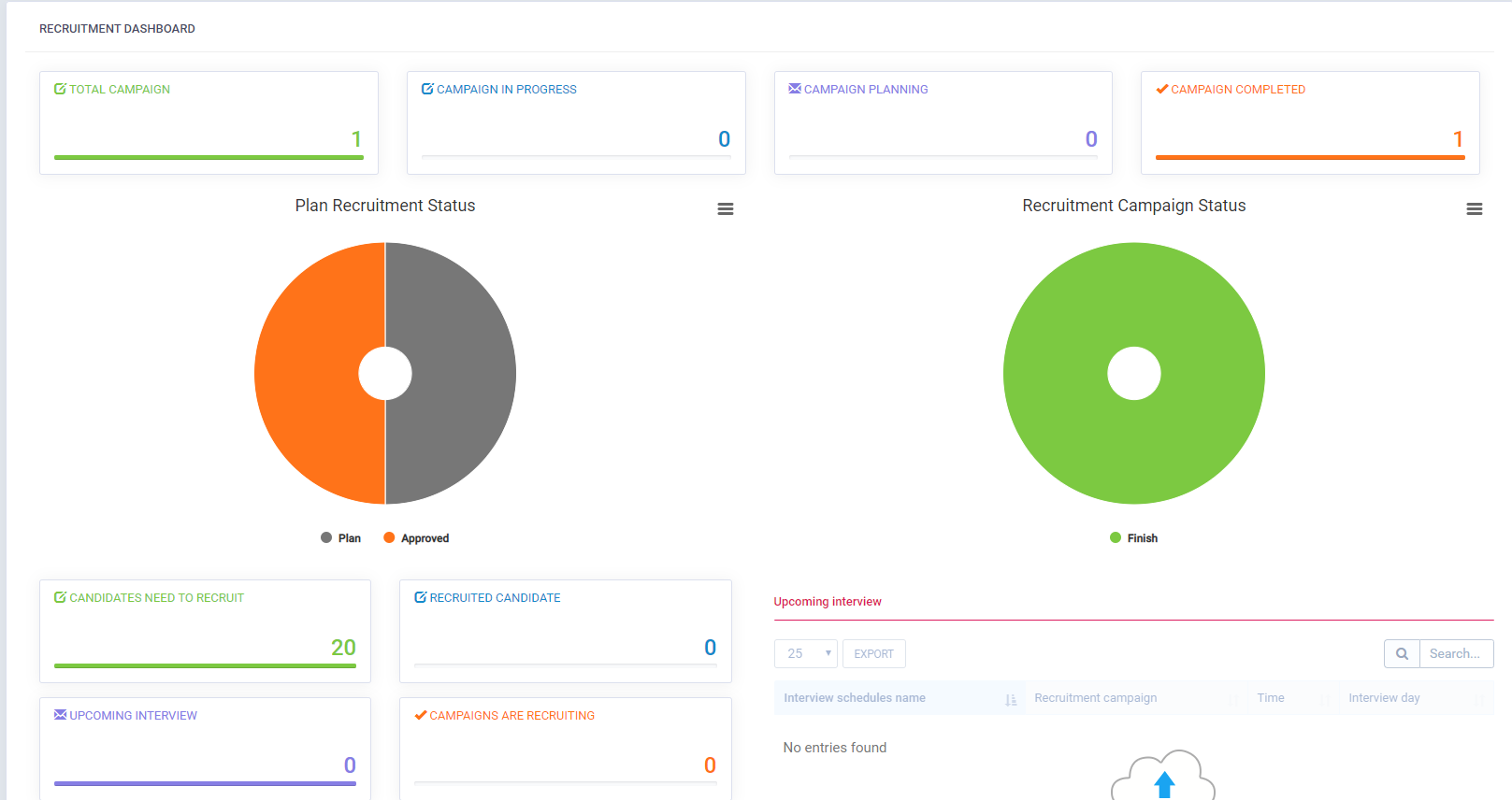
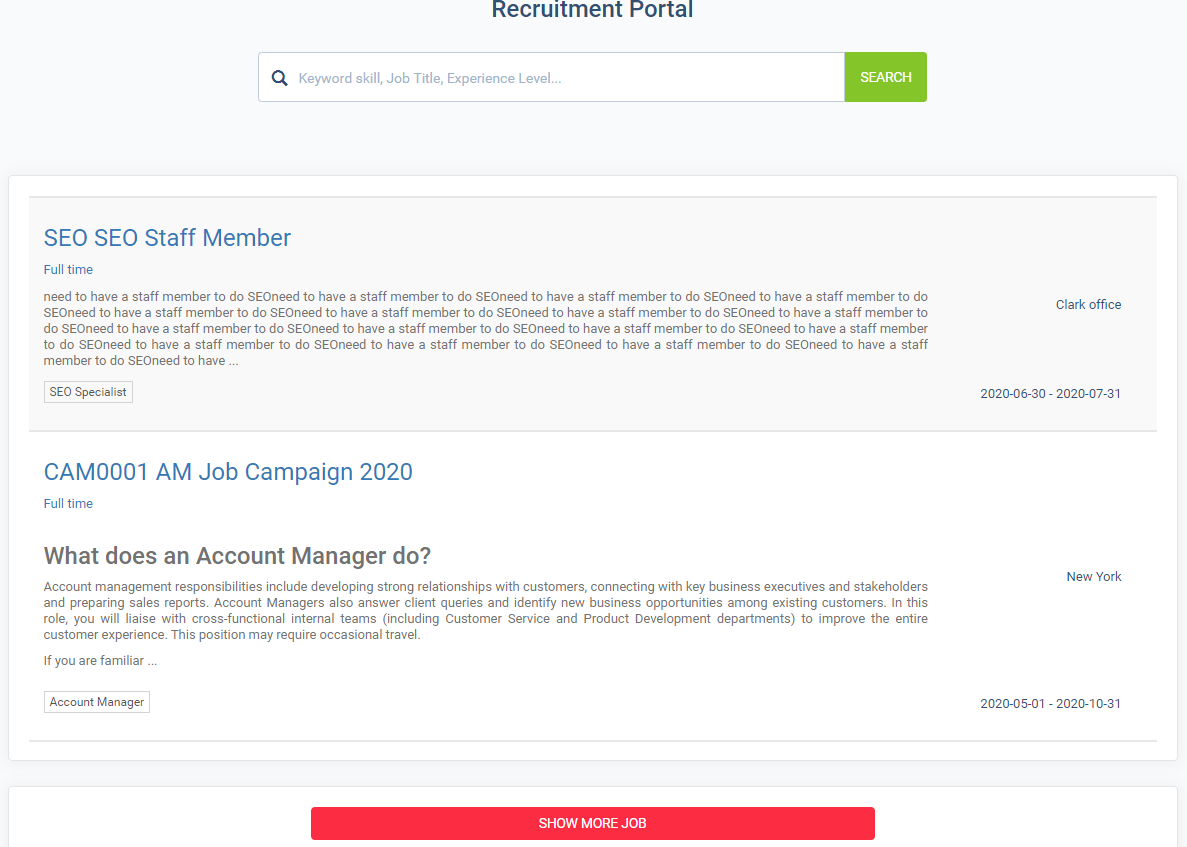
- Recruitment Portal: Recruitment -> Recruitment Portal
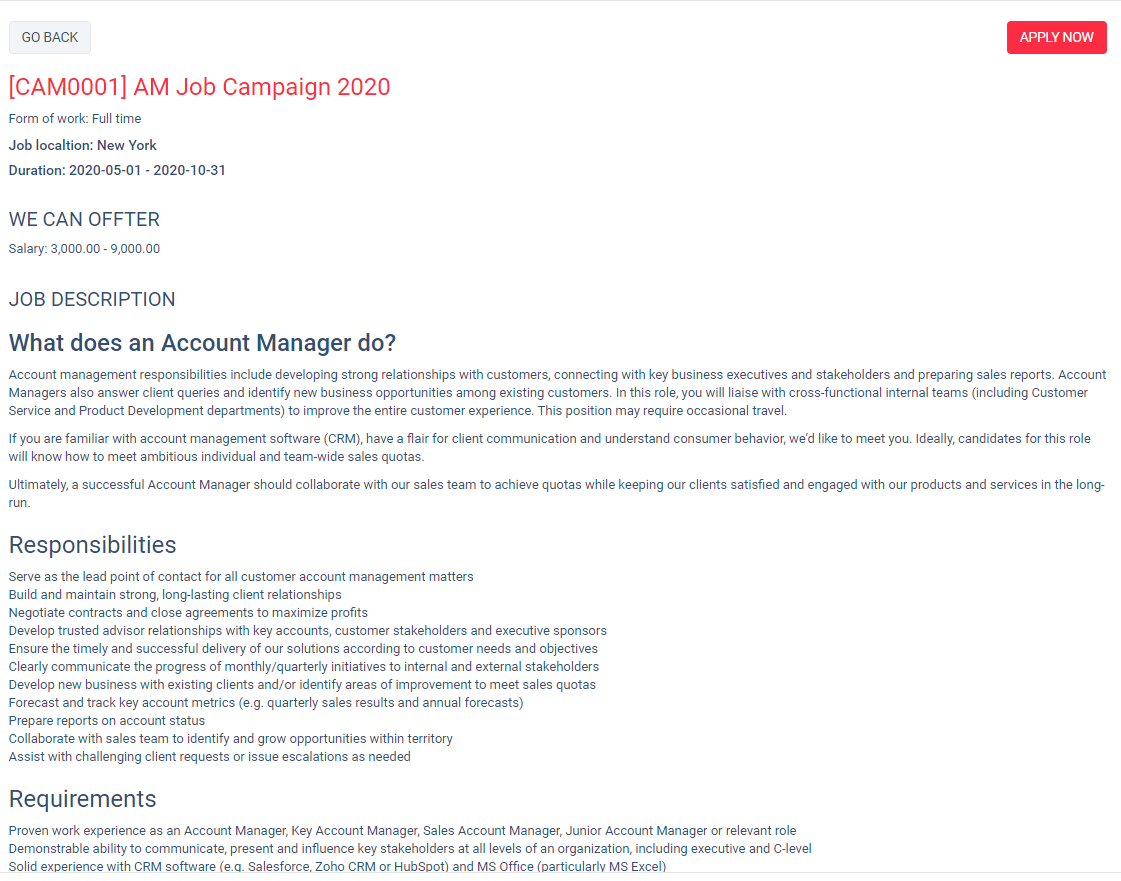
Once again, thank you so much for subscribing this module. We will be glad to help you if you have any questions relating to this module.
Applify Technologies